Essential Cybersecurity Tips Everyone Should Know in 2026
The internet has made our lives more convenient than ever before. We shop online, manage our finances, communicate with friends, store important documents in the cloud, and even work remotely. While technology has opened countless opportunities, it has also created new risks.
Cybercriminals are constantly developing new techniques to steal passwords, financial information, and personal data. Fortunately, most online threats can be avoided by following a few simple cybersecurity practices.
In this guide, we'll explore practical cybersecurity tips that anyone can follow to stay safer online in 2026.
Why Cybersecurity Matters
Every online account you own contains valuable information. From your email and banking apps to social media profiles and cloud storage, hackers are always looking for vulnerabilities.
Ignoring cybersecurity can lead to:
- Identity theft
- Financial loss
- Data breaches
- Account hijacking
- Privacy violations
- Ransomware attacks
Taking proactive steps today can save you from significant problems in the future.
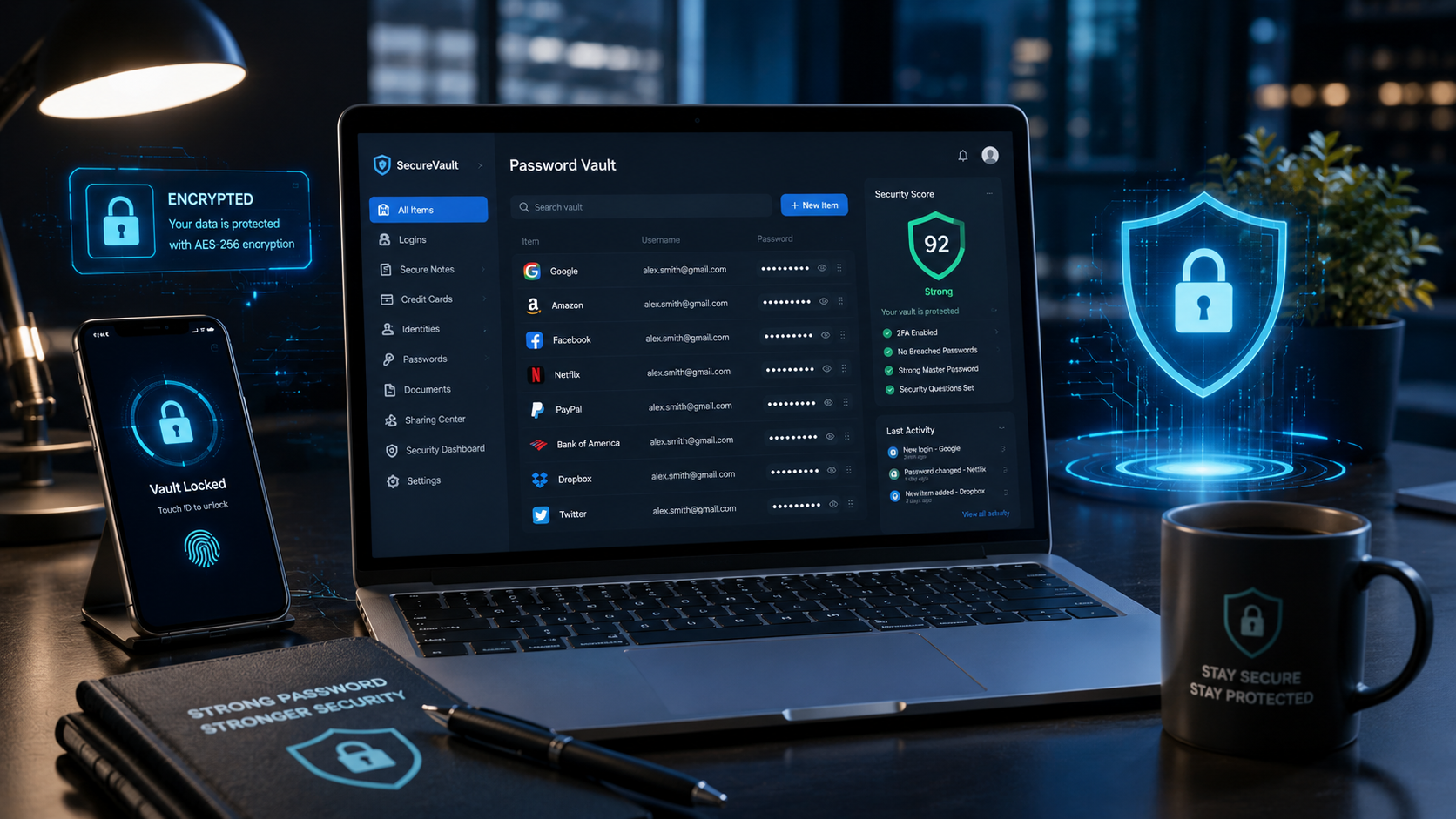
1. Use Strong, Unique Passwords
One of the biggest mistakes people make is reusing the same password across multiple websites.
Instead:
- Use a unique password for every account.
- Create passwords with at least 16 characters.
- Mix uppercase and lowercase letters, numbers, and symbols.
- Avoid personal information such as birthdays or names.
A password manager can help generate and store secure passwords.
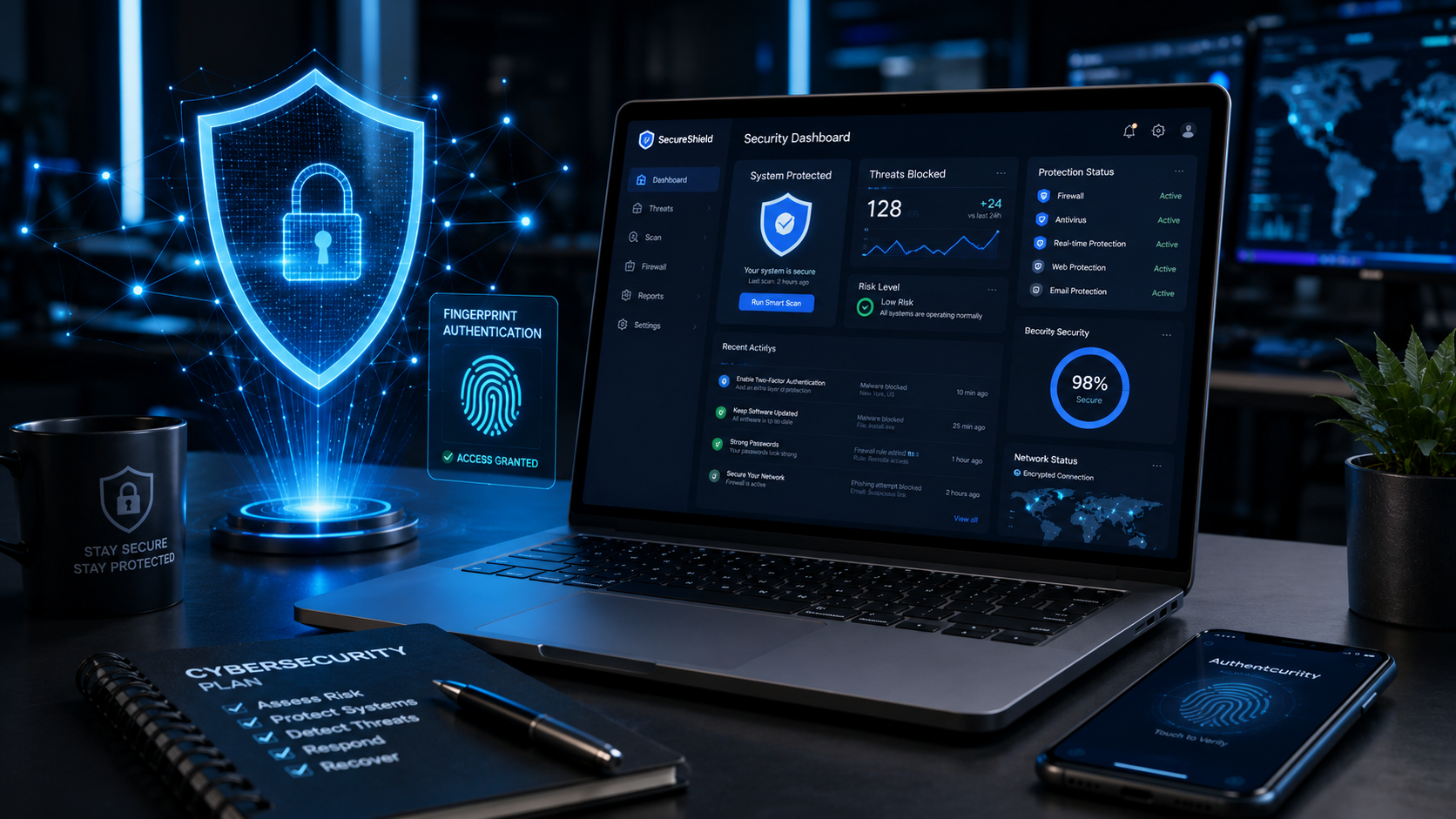
2. Enable Multi-Factor Authentication (MFA)
Even if someone steals your password, multi-factor authentication adds another layer of protection.
Popular MFA methods include:
- Authentication apps
- Security keys
- SMS verification codes (less secure than authenticator apps)
Whenever possible, choose an authenticator app instead of SMS.
3. Watch Out for Phishing Emails
Phishing attacks remain one of the most common cyber threats.
Warning signs include:
- Urgent language
- Unexpected attachments
- Suspicious links
- Requests for passwords or payment details
- Misspelled domain names
Always verify the sender before clicking any links.
4. Keep Software Updated
Software updates often include important security patches.
Regularly update:
- Operating system
- Browser
- Antivirus software
- Mobile apps
- Router firmware
Enabling automatic updates helps ensure you stay protected.
5. Avoid Public Wi-Fi Without Protection
Public Wi-Fi networks in airports, hotels, and cafés can expose your data to attackers.
If you need to use public Wi-Fi:
- Avoid accessing banking websites.
- Use trusted HTTPS websites.
- Consider using a reputable VPN.
6. Back Up Important Data
Regular backups protect you against hardware failures, accidental deletion, and ransomware attacks.
A simple backup strategy includes:
- Cloud storage
- External hard drives
- Automatic scheduled backups
7. Download Software Only from Trusted Sources
Installing apps from unofficial websites increases the risk of malware.
Always download software from:
- Official developer websites
- Trusted app stores
- Verified marketplaces
8. Secure Your Home Wi-Fi
Your home network is the gateway to all connected devices.
Best practices include:
- Change the default router password.
- Use WPA3 or WPA2 encryption.
- Disable unnecessary remote access features.
- Keep router firmware updated.
9. Review App Permissions
Many apps request access to your:
- Camera
- Microphone
- Contacts
- Location
- Photos
Review these permissions regularly and disable anything you don't need.
10. Stay Informed About New Threats
Cybersecurity is constantly evolving. Following trusted technology news and security updates can help you recognize new scams before they affect you.
Awareness is one of the most effective forms of protection.
Common Cybersecurity Mistakes
Avoid these habits:
- Reusing passwords
- Ignoring software updates
- Clicking unknown links
- Sharing sensitive information publicly
- Downloading pirated software
- Using weak passwords
Final Thoughts
Cybersecurity isn't just for businesses or IT professionals. Every internet user has valuable information worth protecting. By following simple practices like using strong passwords, enabling multi-factor authentication, keeping software updated, and staying alert to phishing attempts, you can greatly reduce your risk of becoming a victim of cybercrime.
Good cybersecurity starts with small habits, and those habits can make a significant difference over time.
FAQs
What is the biggest cybersecurity threat today?
Phishing attacks remain one of the most common and effective cyber threats.
Should I use antivirus software?
A trusted antivirus solution can provide an additional layer of protection, especially when combined with safe browsing habits.
Is public Wi-Fi safe?
Public Wi-Fi can be risky. Avoid accessing sensitive accounts on unsecured networks, or use a reputable VPN.
How often should I change my passwords?
Rather than changing passwords on a schedule, use strong, unique passwords and update them immediately if you suspect an account has been compromised.